


From HWP to PDF,
one office.
Open Korean HWP documents, Word documents, spreadsheets, presentations and PDFs, edit them and save them back in their own formats — with the same screens on the web, Mac and Windows.
- Runs in the browser
- sign in with Google
- 1 GB of space
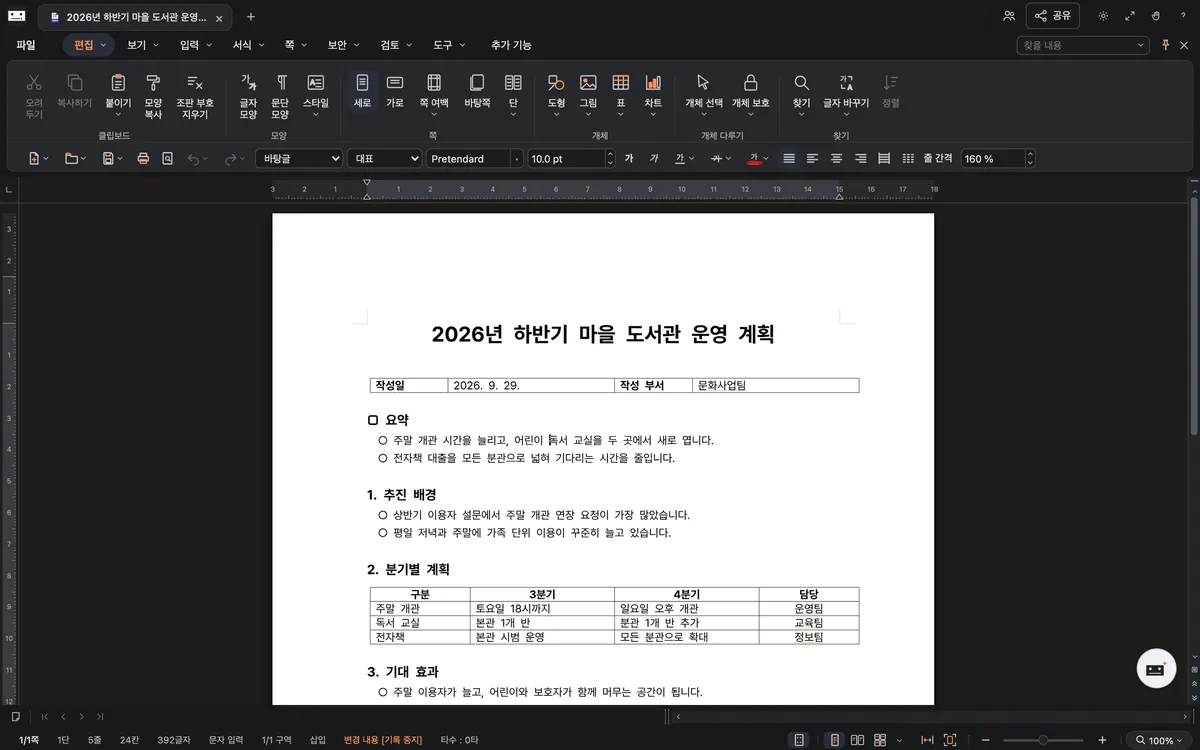


Pages and lines stay where they were. Edit Korean word-processor documents with page and line breaks, tables and pictures where the original put them, and save back to HWP or HWPX.
One window for every kind of document.
The same tab bar, the same ribbon, the same way to save. Move between five kinds of documents in one window.
HWP documentHWP, HWPX
Pages and lines stay where they were. Edit Korean word-processor documents with page and line breaks, tables and pictures where the original put them, and save back to HWP or HWPX.
- Tables, pictures, footnotes, headers
- Reads older HWP 97 and HWPML files
- Exports PDF and PDF/A
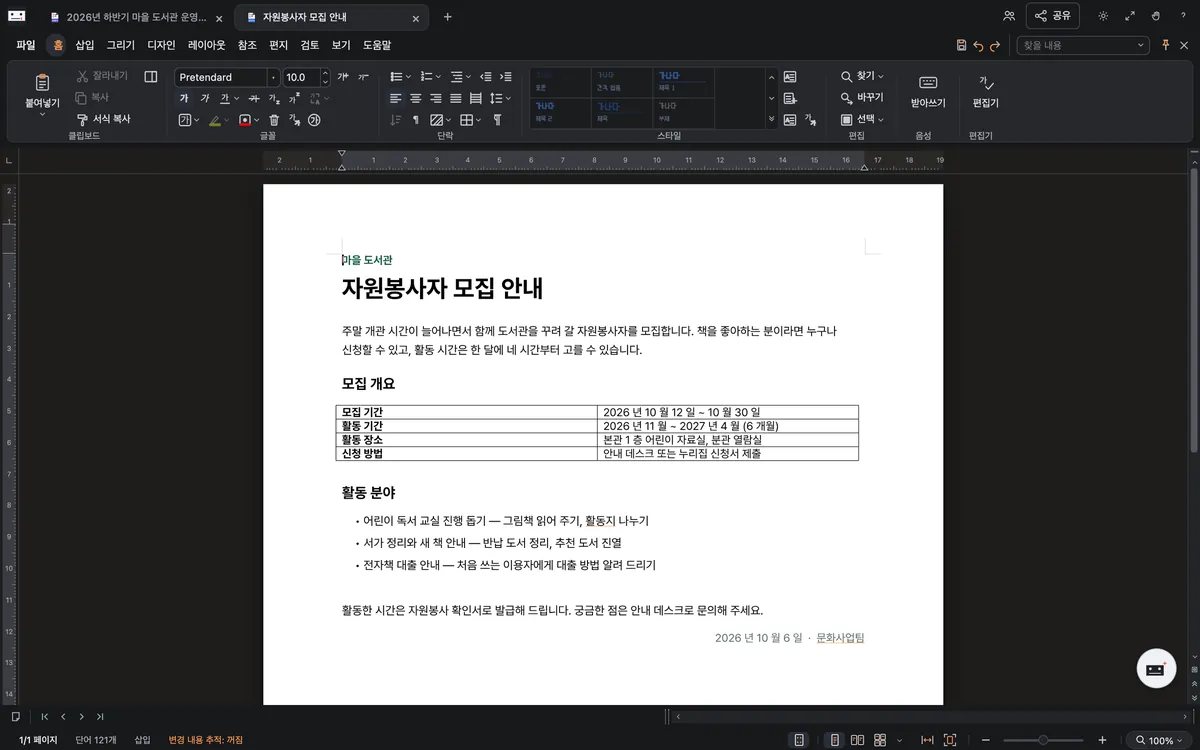
Word documentDOCX
Word documents in the same window. Keep styles, lists, tables and headers as they are, edit, and save as DOCX.
- Styles, lists, tables
- Track changes
- Convert to HWP
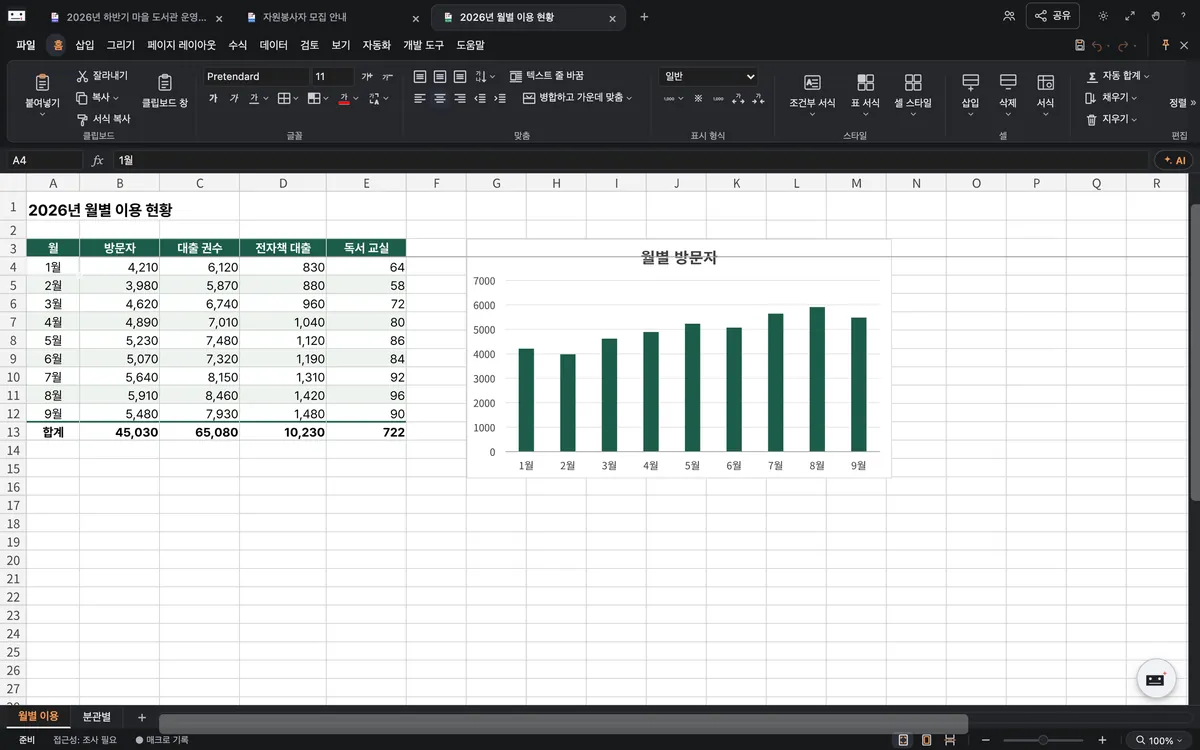
SpreadsheetXLSX, CSV
Formulas and charts included. Enter cells and formulas, format, sort and filter, chart — and save as XLSX.
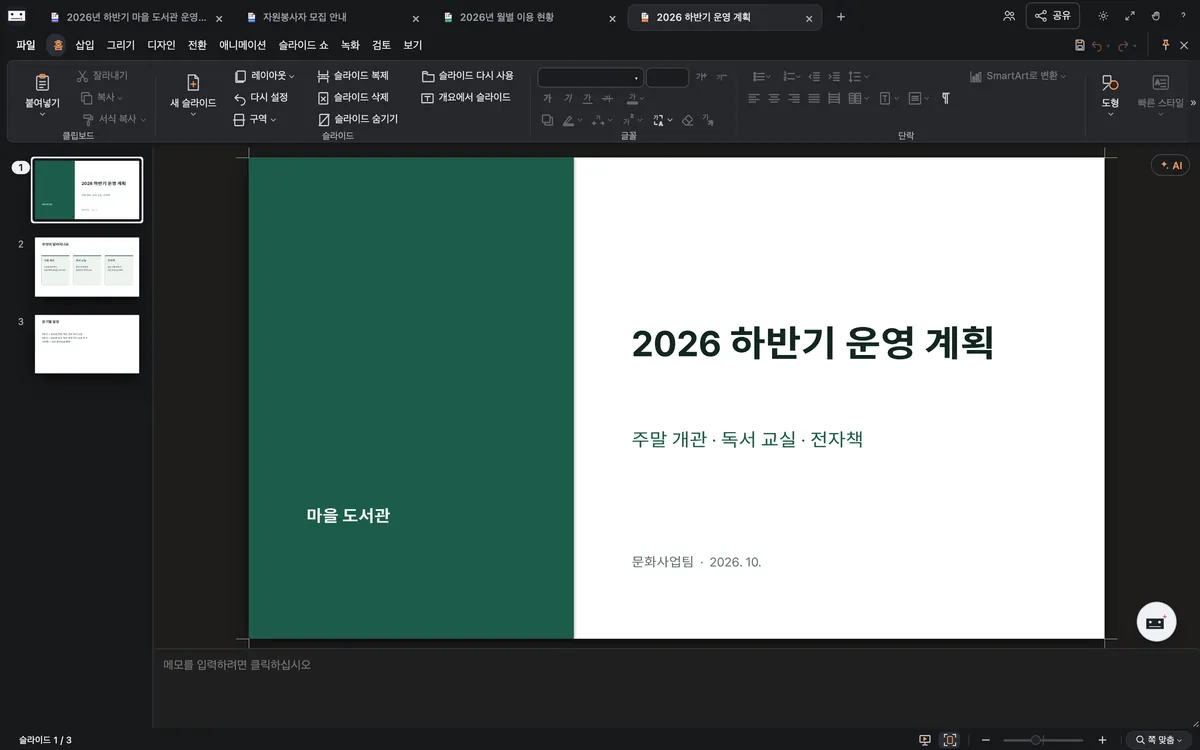
PresentationPPTX
Edit, then present. Edit and reorder slides, then present them right there as a slide show.
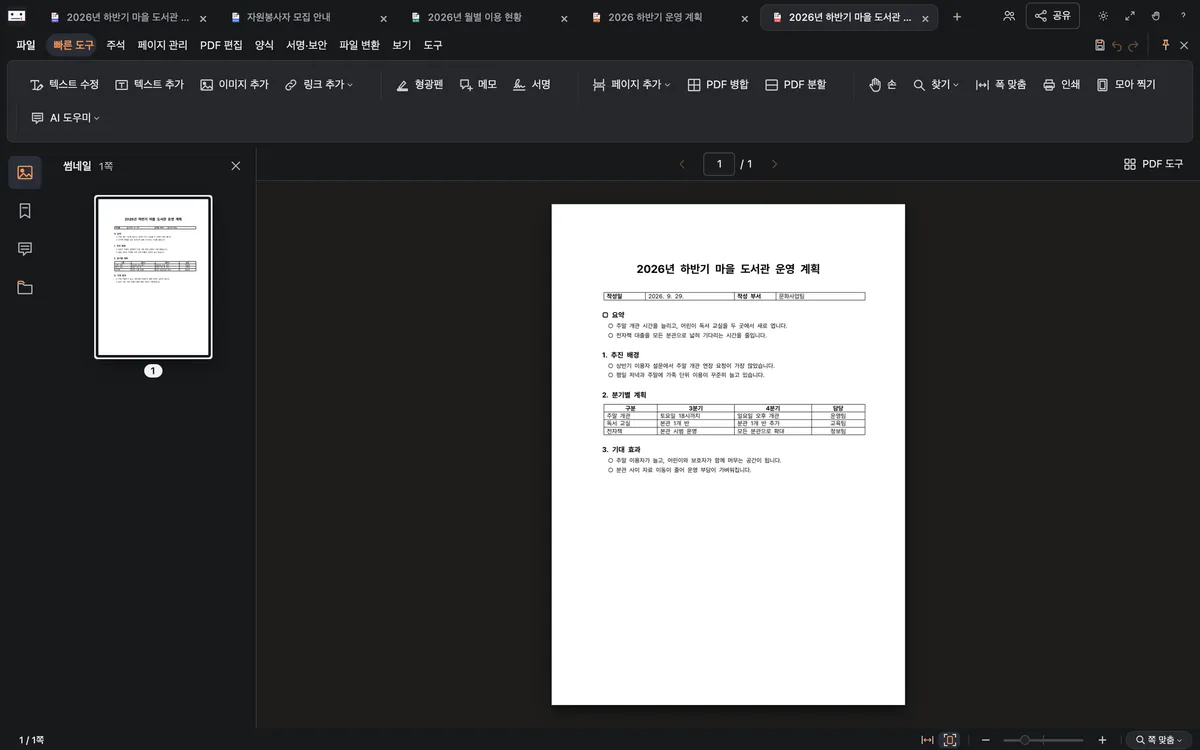
PDFPDF editor
PDFs, edited like documents. Change text and pictures, highlight and comment, sign and fill in forms.

Convert
Turn HWP documents into Word documents and back, and PDFs into HWP, Word or spreadsheets. Anything that changed on the way is listed in a conversion report.
Start from 13,604 templates.
Business, personal and school templates, Korean government application forms, court forms and legal letter samples. Pick one and it becomes a new document.
- Our own templatesWork, personal, school and events — HWP and Word documents, spreadsheets, presentations
- 1,447
- Government formsOfficial forms annexed to Korean statutes, with the agency and the date they are current to
- 11,126
- Court formsCivil, family, rehabilitation and enforcement applications
- 751
- Legal document samplesHow to write documents such as certified letters and complaints
- 280

31 tools for PDF work.
Merge and split, compress, recognise scanned text, sign with a certificate, redact. Pick a file, preview the result, save.

Create PDF5
- HWP → PDF
- Word → PDF
- Spreadsheet → PDF
- Presentation → PDF
- Images → PDF
Convert PDF6
- PDF → HWPX
- PDF → Word
- PDF → PNG
- PDF → JPG
- PDF → Spreadsheet
- PDF → HWP
Organise pages8
- Merge
- Split
- Extract pages
- Organise pages
- Rotate pages
- Delete pages
- Reorder pages
- Crop pages
Edit and recognise3
- Edit PDF
- Comment
- Recognise scanned text
Sign and protect7
- Sign
- Sign with a certificate
- Fill in forms
- Set a password
- Remove a password
- Redact
- Remove hidden data
Compress and archive2
- Compress (three levels)
- PDF/A for archiving
Ask in words, start from a draft.

- Create with AI
- Say what you need — “a notice for the autumn event” — and it picks a template and writes a draft.
- Document helper
- Summarise, polish sentences, tidy tables. It shows you the change before applying it.
- Fill in my details
- Fill name, team and contact fields at once. Kept on this device only and never sent to the AI.
When you use EarlyOffice AI, your request and the document text needed to answer it go through our server to the AI model provider (Anthropic or OpenAI; Google for hard requests — all USA). Our server does not store them. AI answers and edits can be wrong — check them before you use them. Legal templates and samples help you write; they are not legal advice.
On your own or together.
1 GB of your own space
Sign in, keep your documents online and carry on from any device.
Share by link
Choose view or edit and share one link.
Edit together
Several people in the same document at once, with each other's cursors, chat and comments.
Google Drive
Open documents from Drive and save them back in place.
Wherever you work.
Use it on the web or download the Mac and Windows apps. The apps tell you about new versions and update themselves.
Web
Current Chrome, Edge, Safari or Firefox — nothing to install
Open nowmacOS
Apple silicon · macOS 14 or later · build 8865
DownloadA preview build: if macOS blocks the first launch, choose Open Anyway in System Settings › Privacy & Security.
Windows
Windows 10 and 11 (64-bit) · build 8841 · installs without admin rights
DownloadIf Windows warns you, choose More info › Run anyway. Portable zip (no install)
iPhone · iPad · Android: App on the way. Use the web app in your phone's browser today.
Your documents are yours.
Privacy
Documents open and change on your device. Only what you upload to your space is kept on our server, and only when you use an AI feature is the text it needs sent to the AI model provider. No ads, no tracking, and visits are counted without cookies.
Open source
Every open-source component, font and dictionary we use, with its licence.
Terms and contact
Read the terms of service (in Korean) and write to us with questions or bugs.
Also from EarlyAdopter
Made by EarlyAdopter, first to try new things since 2001.

EarlySearch
An AI search engine that searches the web, reads the pages and answers with checked sources (in Korean).
Ask EarlySearch
History
25 years of meeting new things first, since 2001 (in Korean).
Read the history